



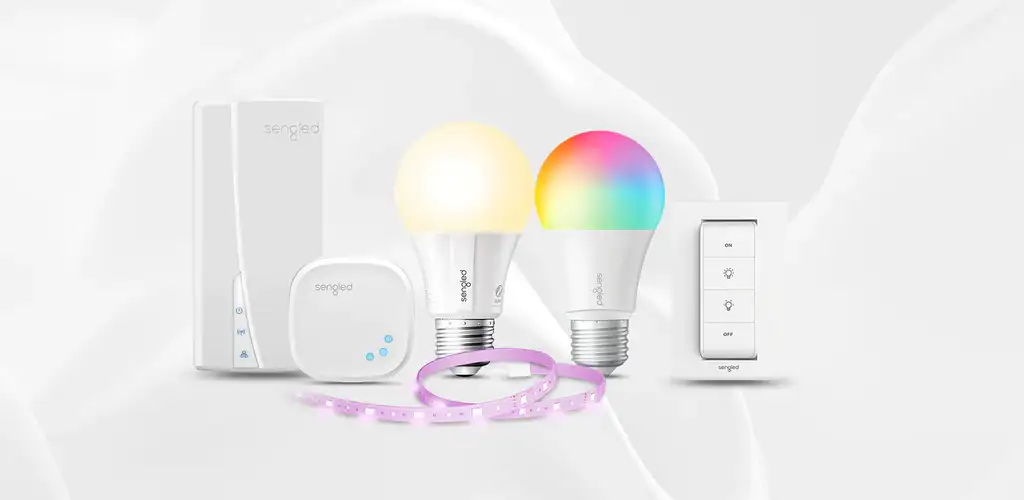
Smart lighting has become an important part of modern homes because it offers more convenience, control, and customization than traditional lighting systems. Instead of manually switching lights on and off, users can now manage their home lighting through smartphones, voice assistants, and automated schedules. The Sengled app is designed to provide an easy way to control Sengled smart bulbs, LED light strips, and other connected lighting devices from one place.
The Sengled app allows users to personalize their lighting experience according to their lifestyle. Whether someone wants brighter lights for working, softer lighting for relaxation, or automated routines for daily activities, the application provides useful tools to create a smarter home environment. With features such as remote access, brightness adjustment, color control, and smart scheduling, the app makes everyday lighting management simpler.
As more people adopt smart home technology, understanding how the Sengled app works, how to set it up, and how to use its features effectively can help users get better performance from their smart lighting system.
What Is the Sengled App and How Does It Work?
The Sengled app is a mobile application created to control Sengled smart lighting products. It allows users to connect compatible Sengled bulbs and lighting accessories with their smartphones, turning a regular lighting setup into a connected smart lighting system. The app works as a central platform where users can manage their lights, customize settings, and create automated lighting experiences.
The application connects with Sengled smart devices through wireless technology, allowing users to send commands directly from their phones. Depending on the specific Sengled product, the connection may use Wi-Fi, Bluetooth, or a compatible smart home hub. Once connected, users can control lighting functions without needing to physically operate switches.
The main goal of the Sengled app is to make smart lighting simple and accessible. It is designed for both beginners and experienced smart home users who want greater control over their indoor and outdoor lighting. By combining convenience with customization, the app helps users create a more comfortable and efficient living space.
Key Features of the Sengled App for Smart Lighting
One of the most useful features of the Sengled app is the ability to control lights remotely. Users can turn their smart bulbs on or off, adjust brightness levels, and manage lighting settings from their smartphones. This feature is especially helpful when users forget to switch off lights before leaving home or want to prepare their lighting before arriving.
The Sengled app also offers customization options for compatible smart bulbs. Many Sengled lighting products support adjustable brightness, color temperature changes, and RGB color selection. Users can create different lighting moods based on their activities, such as warm lighting for relaxing evenings or bright white lighting for reading and working.
Another important feature is automation. The app allows users to create schedules and routines that control lights automatically. These settings can help users maintain daily habits, improve convenience, and reduce unnecessary energy consumption by ensuring lights operate only when needed.
How to Set Up the Sengled App
Setting up the Sengled app is generally a simple process that begins with downloading the application on a smartphone. After installation, users need to create an account or log in before adding their Sengled smart lighting devices. The app provides instructions to guide users through connecting bulbs and other compatible products.
During the setup process, users should make sure their smart bulbs are properly installed and receiving power. A stable internet connection may also be required depending on the Sengled device model. Following the recommended setup steps helps ensure that the lighting products connect successfully with the application.
After adding devices, users can organize their lighting system by assigning bulbs to specific rooms or areas. Naming lights based on their location makes controlling multiple devices easier. Once everything is configured, users can access all available lighting features directly through the app.
Sengled App Automation and Smart Lighting Routines
Automation is one of the biggest advantages of using the Sengled app. Instead of manually controlling lights throughout the day, users can create automatic schedules based on their routines. For example, lights can be programmed to turn on in the morning, dim during evening hours, or switch off at bedtime.
Smart lighting routines can improve both comfort and efficiency. A well-designed lighting schedule can make daily activities easier by ensuring the right lighting is available at the right time. This is especially useful for people who have busy schedules and want their home environment to adjust automatically.
The Sengled app also helps users create personalized lighting experiences. Different settings can be used for different occasions, such as watching movies, hosting guests, studying, or relaxing. By adjusting brightness and colors, users can make their home atmosphere more enjoyable and practical.
Connecting Sengled App With Smart Home Systems
The Sengled app is designed to work with modern smart home ecosystems. Compatible Sengled devices can often connect with popular voice assistant platforms, allowing users to control lights through voice commands. This creates a more convenient experience because users do not always need to open the app to adjust their lighting.
Smart home integration allows Sengled lighting to become part of a larger connected environment. Users can combine lighting with other smart devices to create automated home routines. For example, lighting can be included in daily schedules or activated through specific commands.
However, compatibility depends on the exact Sengled product model being used. Before purchasing or connecting devices, users should check product details to understand available features and supported smart home platforms. Choosing compatible products helps create a smoother smart home experience.
Benefits of Using the Sengled App for Home Lighting
The Sengled app provides several benefits for people who want better control over their home lighting. One major advantage is convenience because users can manage multiple lights from a single application instead of using separate physical switches. This makes controlling lighting easier, especially in homes with several smart bulbs.
Another benefit is improved energy management. Smart lighting control allows users to monitor their usage habits and avoid wasting electricity. Automated schedules and remote access make it easier to ensure lights are only used when necessary.
The app also improves comfort by allowing users to personalize their lighting environment. Different brightness levels and color settings can create the right atmosphere for various activities. From improving productivity to creating a relaxing environment, smart lighting offers flexibility that traditional bulbs cannot provide.
Common Sengled App Problems and Troubleshooting Tips
Although the Sengled app is designed for easy use, users may sometimes experience connection problems or device-related issues. Common problems include smart bulbs not responding, devices appearing offline, or difficulties during the pairing process. These issues are often related to network settings, outdated software, or incorrect setup.
Checking the internet connection and ensuring that the smart bulb has power are good first steps when troubleshooting. Users can also try restarting their router, updating the Sengled app, or reconnecting the device through the application. These simple solutions can often fix common connectivity problems.
If problems continue, users should review the device instructions and follow recommended troubleshooting steps. Proper installation, regular app updates, and maintaining a stable network connection can help improve the reliability of Sengled smart lighting systems.
Security and Privacy When Using the Sengled App
Security is an important consideration when using any smart home technology. Since the Sengled app connects lighting devices through digital networks, users should take steps to protect their accounts and connected devices. Creating strong passwords and keeping the application updated can help maintain a safer smart home environment.
Users should also secure their home Wi-Fi network because connected devices depend on reliable network protection. Reviewing account settings and understanding available permissions can help users maintain control over their personal information and smart devices.
Using smart lighting responsibly allows homeowners to enjoy the benefits of automation while maintaining good security practices. A combination of updated software, secure networks, and careful device management can improve the overall smart lighting experience.
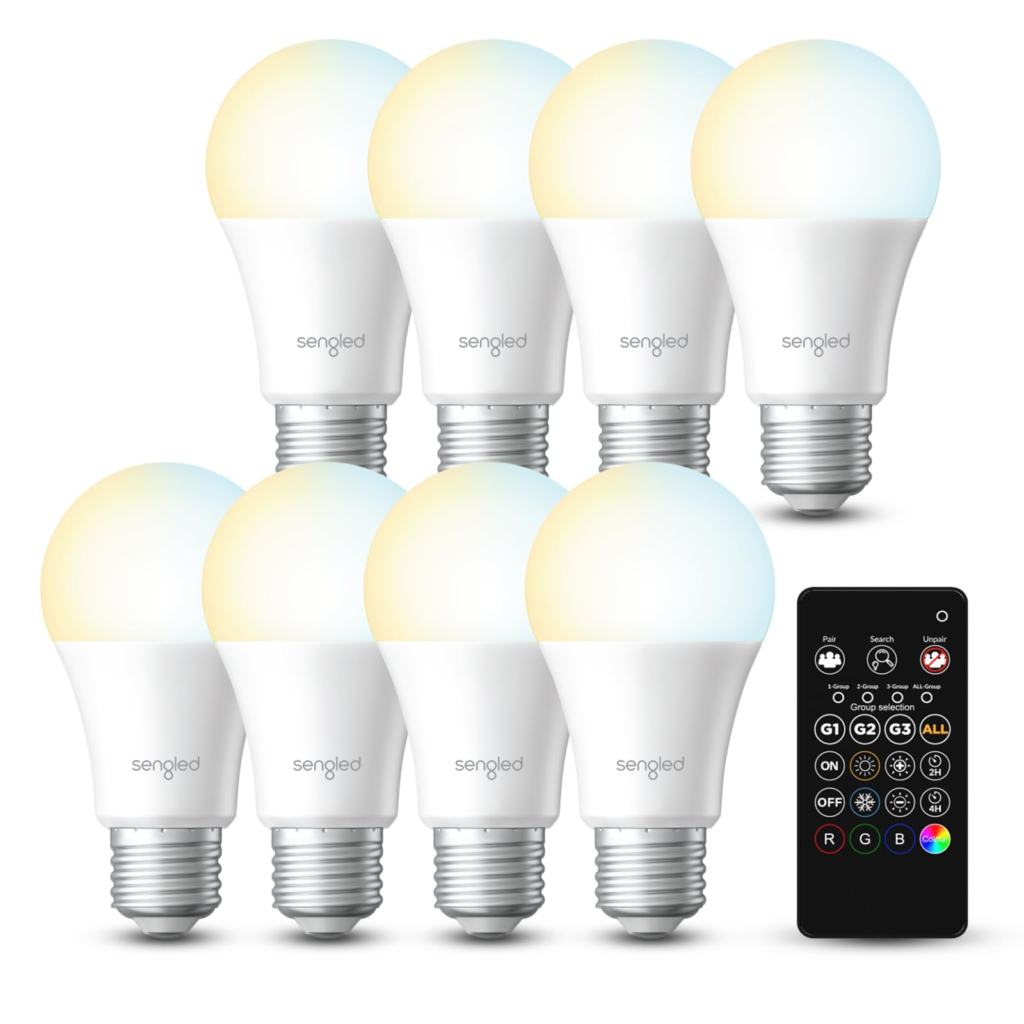
Conclusion: Is the Sengled App a Good Choice for Smart Lighting?
The Sengled app is a practical solution for users who want more control over their smart lighting system. With features such as remote access, automation, scheduling, brightness adjustment, and smart home integration, it provides a convenient way to manage modern lighting.
For homeowners interested in creating a smarter and more personalized living environment, the Sengled app offers useful tools without requiring complicated technical knowledge. Its simple design makes it suitable for beginners, while its customization options provide flexibility for advanced users.
As smart home technology continues to grow, apps Sengled will play an important role in improving how people interact with everyday devices. When used with compatible Sengled products, the app can help create a comfortable, efficient, and intelligent lighting experience.
