



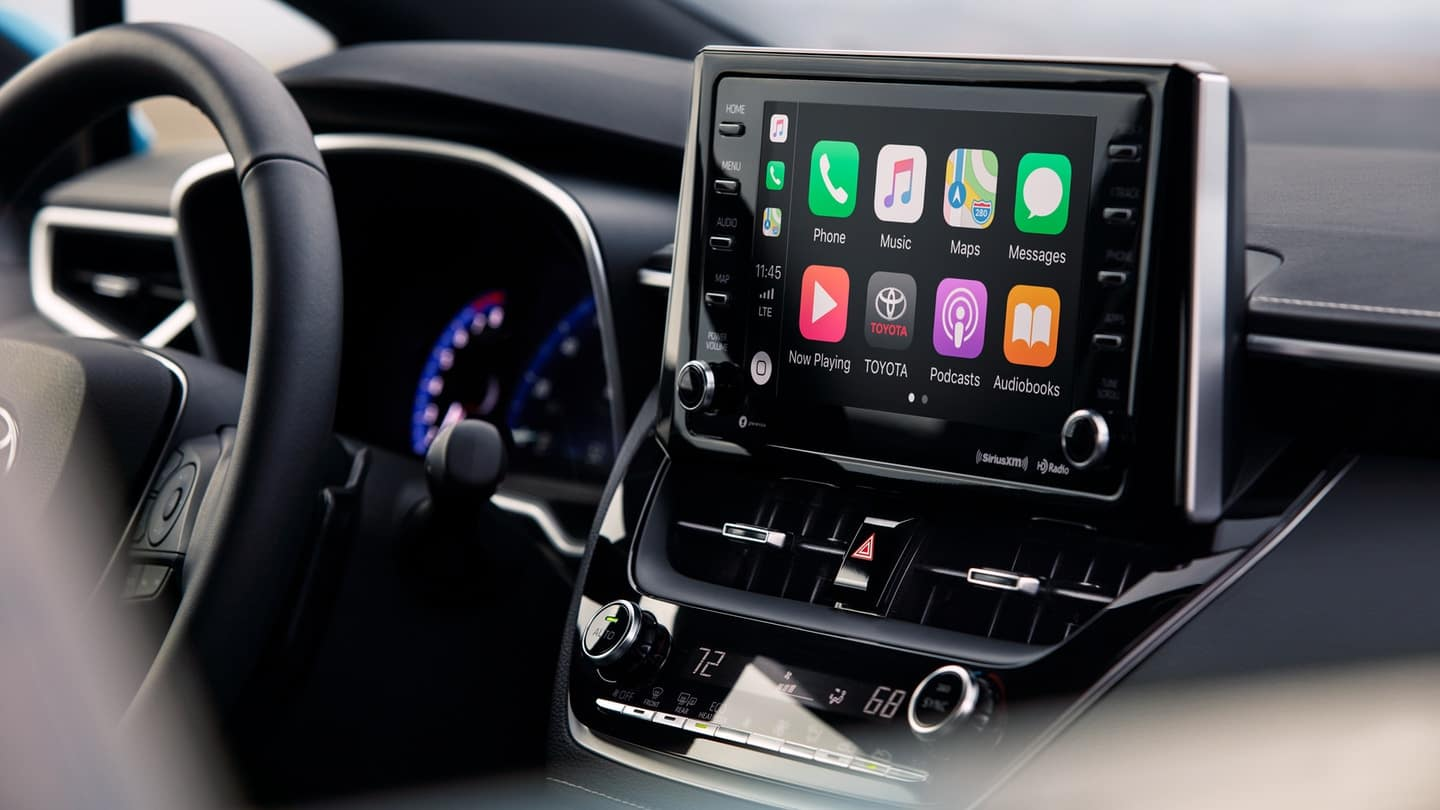
What Is the Toyota Entune App?
The Toyota Entune app was part of Toyota’s connected-car technology for compatible vehicles. It was designed to connect a driver’s smartphone with the vehicle’s multimedia system and provide access to entertainment, navigation, information, and other connected features. Toyota originally introduced Entune, allowing drivers to use supported smartphone applications through the vehicle’s controls and display. Over the years, Toyota introduced several versions, including Entune App Suite and Entune 3.0.
toyota entune app The exact features available through Entune depended on the Toyota model, model year, multimedia system, smartphone, and available services. Older systems could provide access to services such as music, weather, traffic, fuel information, navigation, and location-based applications. Some versions also supported connected vehicle services, which made Entune more than a simple phone-to-car application.
How Toyota Entune App Suite Worked
Toyota Entune App Suite was designed to bring selected smartphone applications and data services onto the vehicle’s multimedia screen. In compatible vehicles, drivers could connect a smartphone using Bluetooth or a USB connection and then use supported applications through the vehicle’s controls. The system was intended to reduce the need to handle a phone while driving while still providing access to useful digital services.
Depending on the Entune version, supported services included applications and features related to music, navigation, weather, traffic, fuel prices, sports, and other information. Older Toyota documentation also lists services such as Pandora, iHeartRadio, Yelp, OpenTable, and other applications. However, the available applications changed over time, so an app that was available on an older Entune system may not necessarily be available today.
What Happened to the Toyota Entune App?
toyota entune app has gradually moved away from the original Entune platform and toward newer connected-car technology. This is important for anyone searching for the Toyota Entune app today because the experience described in older Toyota manuals may not match the current smartphone app ecosystem. Modern Toyota owners generally use the toyota entune app for supported connected services rather than relying on the old Entune mobile application.
The transition also means that finding an old Entune app in a current smartphone app store may not be possible. Drivers with older Toyota vehicles should therefore identify the exact multimedia system installed in their vehicle before attempting to download or activate an application. The Toyota owner’s resources and vehicle-specific information are more useful than generic instructions written for another model year.
Toyota Entune 3.0 and Connected Services
Entune 3.0 expanded Toyota’s connected-car approach and introduced several services that went beyond traditional entertainment applications. Depending on the vehicle and subscription, the system could support features associated with Remote Connect, Service Connect, Safety Connect, Wi-Fi connectivity, and other connected services. Remote features were designed to allow certain owners to interact with their vehicle using a smartphone.
Entune 3.0 was also connected with Toyota’s broader cloud-based technology. Toyota promoted features such as remote vehicle functions, vehicle health information, maintenance-related communication, emergency assistance, and stolen vehicle location services on compatible vehicles. The exact availability of these features depended on the vehicle’s equipment, connected-service subscription, cellular connectivity, and market.
Why Toyota Entune May No Longer Work
One of the biggest reasons an older Entune feature may no longer work is changing technology. Entune systems were developed at different points in the smartphone and cellular technology cycle. As phones, operating systems, applications, and wireless networks changed, some older connected services became difficult or impossible to maintain.
toyota entune app also discontinued certain services that depended on 3G cellular networks after those networks were retired. For affected Toyota vehicles, some Entune App Suite functions, including certain connected features involving vehicle location, remote climate, and charge management, stopped working after the 3G shutdown. These affected vehicles included specific Prius Plug-in, RAV4 EV, and Mirai models. A software update or app reinstall cannot restore a service that depends on a cellular network that has been permanently discontinued.
Toyota Entune and Smartphone Compatibility
Smartphone compatibility was always an important part of the Entune experience. Older versions required compatible phones and, in some cases, the Entune mobile application to communicate with the vehicle. Bluetooth could handle functions such as hands-free calling and audio, while some Entune services required additional connections between the phone, app, and multimedia system.
This is why an Entune system can behave differently with a newer smartphone. A phone may connect successfully through Bluetooth but still fail to provide older Entune App Suite functions. Newer versions of iOS and Android may also work differently from the operating systems that were originally supported by an older Toyota multimedia unit. The vehicle’s specific owner’s manual is therefore the best starting point when checking compatibility.
Toyota Entune, Apple CarPlay, and Android Auto
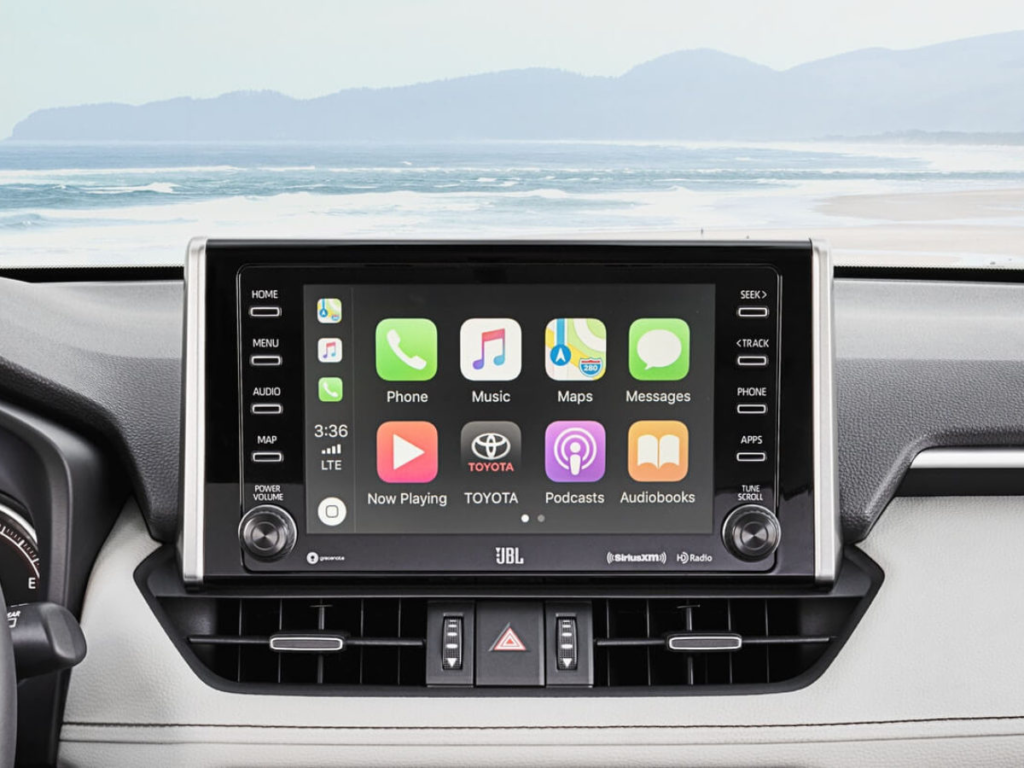
Many Toyota owners now use Apple CarPlay or Android Auto instead of older Entune application features. These technologies allow compatible smartphones to display supported navigation, communication, music, and other applications on the vehicle’s multimedia screen. They provide a more modern way to use smartphone content while driving and are supported by many newer Toyota multimedia systems.
This change can sometimes cause confusion for owners of older Toyota vehicles. A driver may expect the Entune interface to appear after connecting a phone, only to see Apple CarPlay or Android Auto instead. In a compatible vehicle, this can be normal behavior rather than a fault. The available functions depend on the Toyota multimedia system, phone, connection method, and software version.
How to Troubleshoot an Older Entune System
If an older Entune system is not connecting properly, begin by checking the phone-to-vehicle connection. Make sure Bluetooth is enabled when Bluetooth is required and use the correct USB connection when the system requires a wired connection. Restarting the smartphone and reconnecting it to the vehicle can also resolve temporary communication problems.
If the problem continues, remove the existing Bluetooth or vehicle connection from the phone and pair the devices again. Check whether the phone’s operating system and relevant applications are current. However, updating the phone will not restore an Entune service that Toyota has permanently discontinued. If a feature stopped working because of an expired service, unsupported application, or retired cellular network, the problem is related to the service itself rather than the phone.
Toyota App and the Future of Toyota Connected Cars
The toyota entune app is now the more important smartphone platform for many Toyota owners. Depending on the vehicle, it can provide access to supported Connected Services and vehicle-related functions. Owners can use their Toyota account to manage available services and interact with compatible vehicles through the current Toyota connected-car ecosystem.
Toyota’s newer Audio Multimedia systems also represent a major change from Entune. Modern systems can provide smartphone integration, connected navigation and other digital features depending on the vehicle. Toyota continues to provide software updates for eligible newer multimedia systems, including certain over-the-air and USB-based updates. This newer approach means that owners of recent Toyota vehicles generally do not need to rely on the original Entune application.
Conclusion: Understanding Toyota Entune Today
The Toyota Entune app was an important part of Toyota’s move toward connected vehicles, allowing compatible smartphones to work with the vehicle’s multimedia system and providing access to entertainment, navigation, information, and connected services. Entune evolved through several generations, so the available features were different depending on the vehicle and multimedia system.
Today, Entune is largely a legacy Toyota technology, while the Toyota App, Toyota Audio Multimedia, Apple CarPlay, and Android Auto represent the newer connected-car experience. If an older Toyota’s Entune system no longer works, the cause could be phone compatibility, outdated software, an unavailable application, a discontinued service, or retired cellular technology. Checking the vehicle’s model year and exact multimedia system is the most reliable way to determine which features are still supported and which modern alternatives are available.
